Panda Bamboo Planter 3D Printing STL File – Cute Succulent Plant Pot Decoration


About This Product
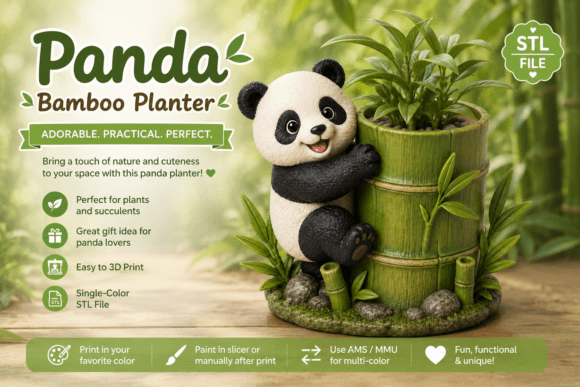
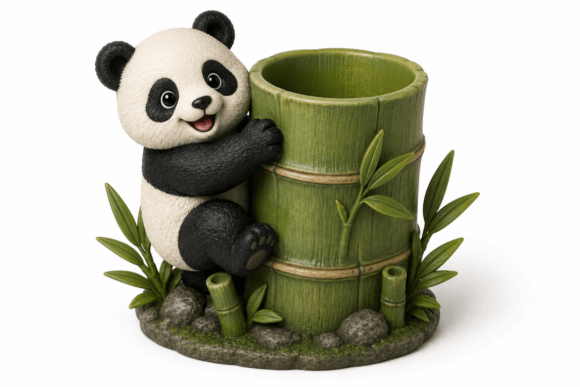
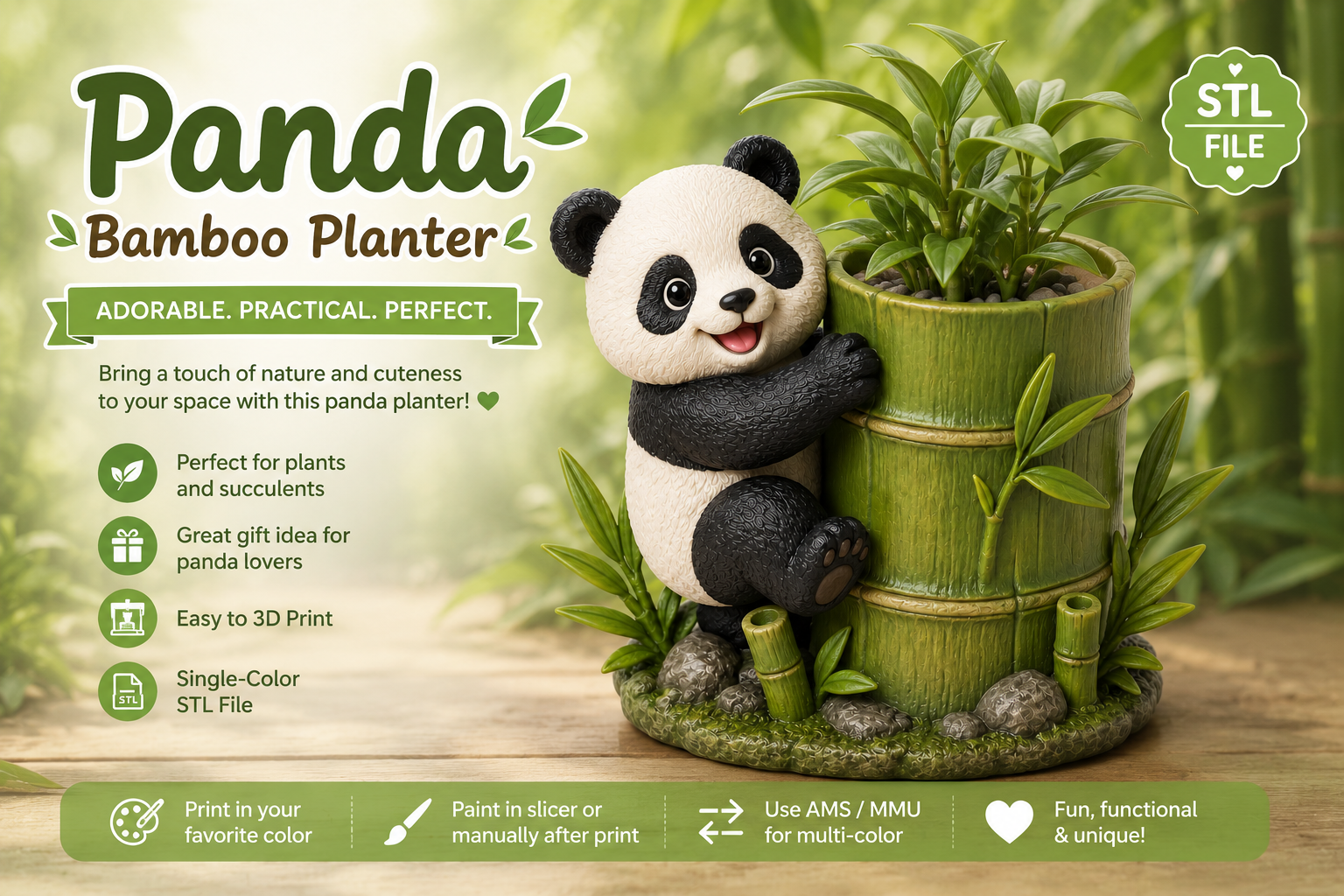
Adorable panda hugging a bamboo planter 3D STL file. Ideal for succulents, cacti, artificial plants, and small indoor greenery. Single-color print file for stylish desk or shelf decor.
Overview
Bring a touch of nature and charm to your home with this adorable Panda Bamboo Planter STL. Featuring a playful panda hugging a detailed bamboo planter, this delightful design combines practical functionality with irresistible decorative appeal.
The built-in planter is perfect for succulents, cacti, artificial plants, or other small greenery, making it a beautiful addition to your desk, bookshelf, office, bedroom, or windowsill. Intricate bamboo textures, lifelike panda details, and a peaceful nature-inspired base create a stunning display piece that's fun to print and even more enjoyable to showcase.
Whether you're decorating a cozy workspace, creating a woodland-inspired room, or looking for a thoughtful handmade gift, this panda planter is sure to bring smiles. It's a perfect choice for panda lovers, animal enthusiasts, plant collectors, and anyone who enjoys unique 3D printed home décor.
Key Features
- Playful panda hugging a bamboo-themed planter design
- Built-in planter fits succulents, cacti, artificial plants, and small indoor plants
- Detailed bamboo textures and a peaceful nature-inspired base
- Single-color STL file ready for 3D printing
- Great for desk decoration, office decor, shelf styling, and cozy home spaces
- Makes a meaningful handmade gift for panda lovers and plant enthusiasts
Perfect For
- Succulents & cacti
- Small indoor plants
- Artificial plants
- Desk decoration office decor shelf decoration
- Nature-inspired decor
- Panda lovers handmade gifts
- Cozy home decoration
How It Works
- This is a digital STL file for 3D printing – no physical product will be shipped.
- Download the file after purchase and load it into your slicer software.
- Slice and print using your 3D printer.
- Paint in your slicer like Bambu Studio or PrusaSlicer if you want multi-color results.
- Swap filament mid-print, use a multi-color printer with AMS or MMU, or hand-paint after printing for a custom finish.
Multi-Color Tips
Choose one or more of these techniques for colorful results
- Paint in your slicer using color painting tools
- Swap filament mid-print for clean color changes
- Use a multi-color printer with AMS or MMU for automatic color changes
- Hand-paint your print after printing for a unique look
- Mix techniques to get the most detailed and polished finish
Related Products
Ultimate Animal Planter Bundle STL - 10 Unique 3D Printable Succulent Pots
Bring personality to your greenery with this 10-piece animal planter bundle. Modern, sturdy, and optimized for FDM 3D printing.
3D Printable Swappable Name Tag Keychain System | Back to School Organizer
Customizable 3D printable name tag system for backpacks, keys, and supplies. Print bases once; swap vibrant letter and icon keys endlessly.
Japanese Pagoda Garden Planter STL – Zen Miniature Garden 3D Print
Create a serene Japanese garden scene with this detailed 3D printable pagoda planter. Includes bonsai, bridge, lanterns, and space for succulents.
Bakery Treats Charms 3D Print Files - STL/3MF
10 digital charm designs for 3D printing. Ready-to-print STL and 3MF files support single or multi-color setups.